What is workflow automation? A practical guide for Hong Kong organisations
What workflow automation is, how it works, which processes to automate first, and how to measure the results — explained in plain language.
By FlexApp Product Team Published 4 min read
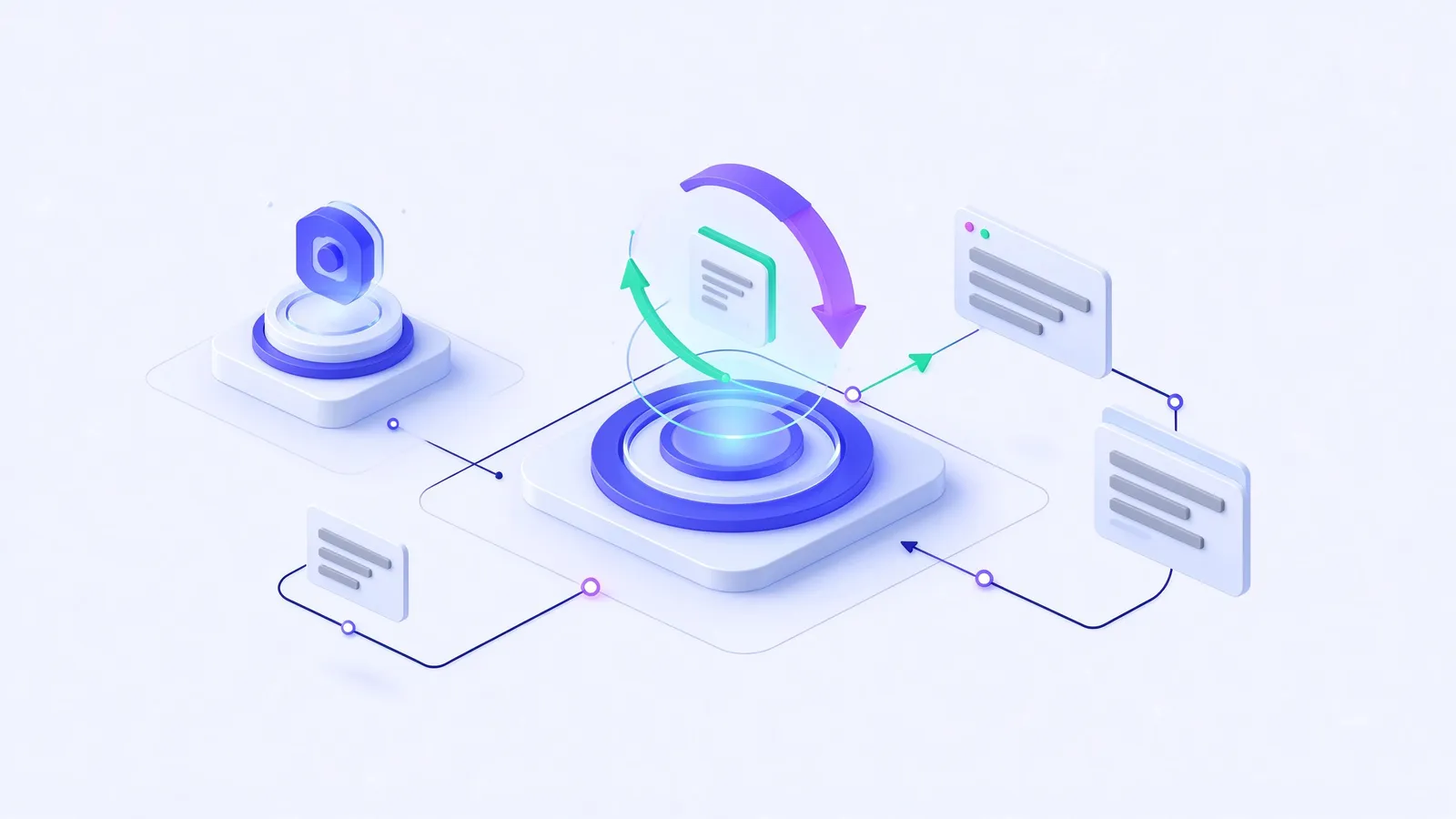
Every organisation runs on workflows — a leave request, a purchase order, a supplier payment, a contract review. Each is a sequence of steps that moves information from one person or system to the next. Workflow automation is the use of software to run that sequence by rules, instead of relying on paper forms, email chains and people remembering what comes next.
What does workflow automation actually do?
A workflow automation platform does four jobs:
- Captures the request — an online form replaces the paper or Word template, validating the data at the point of entry.
- Routes it by rules — the software decides who must act next, based on the requester’s department, the amount, the category or any other field.
- Tracks and escalates — every task has an owner and a deadline; reminders and escalations fire automatically when a deadline is at risk.
- Records and integrates — each decision is logged, documents are filed, and the result is posted to the systems that need it, such as accounting.
The difference from email is not just speed. With email, the process lives in people’s heads. With workflow automation, the process is explicit, measurable and the same every time.
Which processes should you automate first?
The best first candidates share three traits: they are high-volume, rule-based and painful today. In most Hong Kong organisations that means:
- Expense claims and reimbursements
- Purchase requisitions and purchase orders
- Leave and overtime applications
- Payment requests and supplier invoice approvals
- IT access and equipment requests
- Contract and document approvals
Avoid starting with a process that is rare, highly political or still being redesigned. A quick, visible win builds the momentum for the next ten.
How to automate a process in five steps
1. Map the current process
Write down every step, who performs it, what information they need and what decisions they make. Note where requests wait the longest — that is where automation pays back first.
2. Simplify before you automate
Automating a bad process just produces bad results faster. Remove approval steps that never reject anything, merge duplicate forms and agree clear thresholds (for example, “purchases above HK$50,000 need a director”).
3. Digitise the form
Rebuild the form in a form designer. Add validation (required fields, number ranges), calculated fields (totals, tax) and dropdowns fed from master data such as cost centres or suppliers.
4. Design the route
Draw the workflow: who approves, in what order, under which conditions. Good platforms route by organisation structure — department, position, reporting line — rather than named individuals, so the workflow keeps working when people change roles.
5. Test, launch and measure
Simulate the process with test data, run a pilot with one department, then roll out. Measure the same indicators before and after.
What should you measure?
| Metric | What it tells you |
|---|---|
| Cycle time | How long a request takes from submission to completion |
| Time waiting per step | Where the bottlenecks are |
| SLA compliance | The share of requests completed on time |
| Rework rate | How often requests are returned for missing information |
| Volume | How many requests the process handles per month |
Cycle time is usually the headline number. Moving an approval from days to hours is common once routing, reminders and mobile approval are in place.
Workflow automation vs. RPA vs. custom development
- Workflow automation platforms model the process explicitly. They are best when the process involves people making decisions and when it will change over time.
- RPA (robotic process automation) mimics a human clicking through existing screens. It is useful when a legacy system has no API, but it is brittle when screens change.
- Custom development gives full control but is slow and expensive to change. Every new form or approval step becomes a software project.
For most approval-driven processes, a no-code workflow platform with integration options offers the best balance of speed and control.
What to look for in a workflow automation platform
- A visual designer that process owners can use without code
- Org-aware routing by department, position and reporting line
- Forms, documents and reporting on the same platform — not three separate tools
- Mobile approval, including the channels your staff already use
- Integration with ERP, accounting and HR systems through APIs
- Audit trail and security: SSO, role-based permissions, logs
- Language support for every user — in Hong Kong, usually English and Chinese
- Deployment options that fit your data-governance requirements
How FlexApp approaches workflow automation
FlexApp combines a visual workflow engine with online forms, document management, dashboards and an AI assistant on one platform, so a process runs end to end without re-keying. Approvals route by your organisation chart, can be actioned from mobile or WeChat, and post results to accounting through connectors. If you would like to see your own process running in FlexApp, book a demo.
About the author
FlexApp Product Team
Product & Solutions, FlexSystem
The people who design, build and deploy FlexApp for organisations across Hong Kong and Greater China — workflow architects, solution consultants and engineers.