Approvals · Documents · Reporting · AI
Automate every process on one AI-powered platform
Approvals, forms, documents and management reporting, all connected — with 20+ ready-made apps and 45 ready-made processes for finance, procurement, HR and sales.
English · 繁體中文 · 简体中文 · Backed by FlexSystem · Built in Hong Kong
What is FlexApp?
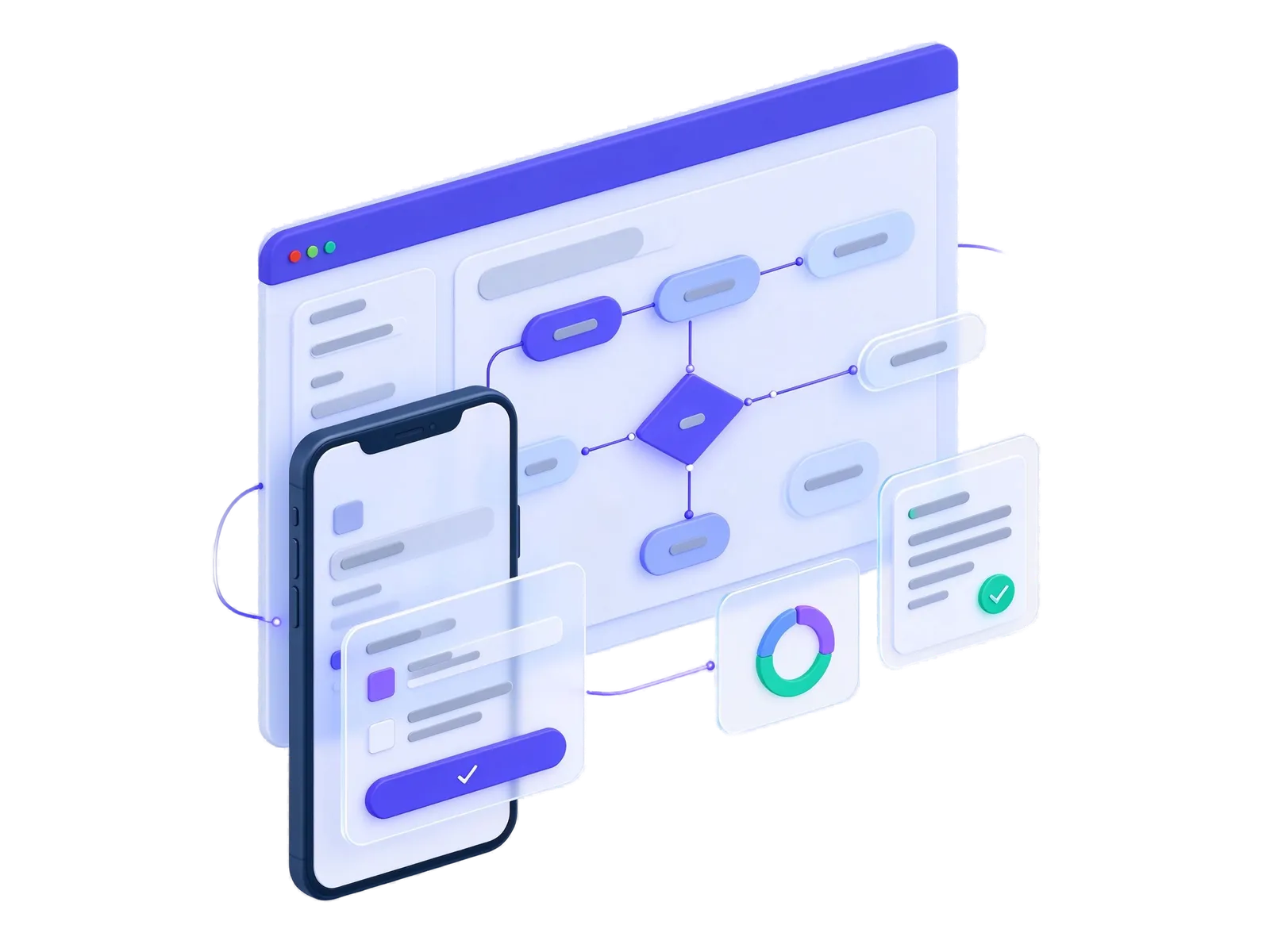
FlexApp is a no-code business process and AI platform by FlexSystem, Hong Kong. It brings approvals, online forms, documents, management dashboards and an AI assistant together with 20+ ready-made business apps for finance, procurement, HR, sales and operations, and 45 ready-made approval processes for everyday office requests. Every app and process can be tailored to your own policies, and the platform runs on your own servers or in a private cloud.
- platform modules
- 8 platform modules
- ready-made business apps
- 20+ ready-made business apps
- languages: EN · 繁 · 简
- 3 languages: EN · 繁 · 简
- ready-made approval processes
- 45 ready-made approval processes
Works with the tools you already use
- Microsoft 365 / Entra ID
- Company directory (Active Directory)
- Password-free sign-in
- Microsoft Teams
- Lark / Feishu
- SMS
- iPhone & Android
- WeChat Mini Program
- WeChat notifications
- Google Calendar
- Microsoft Outlook
- OpenAI
- Azure OpenAI
- Anthropic
- AI hosted on your own servers
- Accounting & ERP
- HR & payroll systems
- Bank payment files
- Excel import & export
45 ready-made processes
The everyday requests, ready on day one
FlexApp comes with 45 ready-made approval processes for the requests every organisation handles, from leave and expenses to company seals and system access. Each one includes its form, its approval route and a printable document, and can be adjusted to your own policies.
See the ready-made processesHR & attendance
13 processesLeave application · Overtime · Going out of office · + 10 more
Finance
10 processesExpense reimbursement · Travel reimbursement · Payment request · + 7 more
Administration
10 processesCompany seal usage · Document dispatch · Vehicle request · + 7 more
Procurement & contracts
5 processesPurchase request · Purchase order · Contract approval · + 2 more
Legal & projects
3 processesLegal review · Project initiation · Project change request
IT
2 processesSystem access request · IT equipment checkout
General
2 processesGeneral approval · Filing record
Platform
Everything a process needs, already connected
Most organisations juggle a form tool, an approval tool, shared drives and spreadsheets. FlexApp puts them in one place, so work moves from request to decision to report without anyone retyping it.
Workflow
Approvals that move on their own — designed by your business teams, with a full record of every decision.
Learn moreForms
Replace paper and spreadsheet forms with online forms your own team builds and changes.
Learn moreDrive
Every company document in one secure place — easy to find, approve, sign and ask questions of.
Learn moreDashboards & Reports
Up-to-date dashboards and reports your managers build themselves — or simply ask for in plain language.
Learn moreAI Assistant
Ask in plain language and get work done — an AI assistant on every screen, using the AI model your organisation chooses.
Learn moreIntegration
Connect FlexApp to your ERP, accounting and other business systems — so nobody re-types the same information twice.
Learn moreMobile & Chat
Approve, chat and share files from anywhere — on the phone app, WeChat or a browser.
Learn moreSecurity & Admin
One sign-in, the right access for each person, and every subsidiary's data kept apart.
Learn moreAI built in
AI that works inside your everyday processes
AI in FlexApp is not a separate chat window. It is part of how requests are prepared, documents are found, receipts are checked and reports are produced, and it always works on your own information.
Describe a process, get a working draft
Tell FlexApp how an approval should run, in your own words. AI drafts the workflow for your team to review and adjust before it goes live.
Ask your documents
Staff ask questions in plain language, such as a policy, a contract term or a procedure, and get answers drawn from your own files, with the source shown.
Reports on request
Managers ask a business question and get a table and a suggested chart, instead of waiting days for someone to build a report.
Receipts and invoices read for you
Expense receipts and supplier invoices are read automatically, details are filled in, and duplicates are flagged before anyone pays twice.
Faster customer service
In the help desk, AI sorts incoming requests, suggests replies to agents and helps customers find answers before they raise a ticket.
Your data, your AI model
Choose the AI provider you trust, including a model that runs on your own servers. The assistant asks before changing anything and respects who can see what.
How a request flows through FlexApp
A staff member fills in a form. It goes to the right approvers automatically, the documents are filed, the accounts are updated and management sees the result on a live dashboard.
Solutions
What organisations use FlexApp for
A few everyday situations FlexApp is built for. Most customers start with one and add more.
Approve requests from anywhere
Purchase requests, leave and payments arrive on the phone or in WeChat with the details and attachments. One tap approves, and the requester sees the decision straight away.
Learn moreExpense claims without paper
Staff photograph receipts, the claim fills itself in and company policy is checked automatically. Finance reviews exceptions instead of every slip of paper.
Learn moreSpending under control
Every purchase is checked against budget and approval limits before it is committed, and invoices are matched to what was ordered and received before payment.
Learn moreHiring, reviews and training in one place
Candidates move through a clear hiring pipeline, appraisals run on schedule and mandatory training is tracked, so HR spends less time chasing people.
Learn moreContracts that never slip
Contracts are drafted from approved wording, signed online and stored in one searchable place, with reminders before renewals and obligations fall due.
Learn moreOne view of the business
Live dashboards show approvals, spending, service levels and project status across departments and companies, without waiting for month-end spreadsheets.
Learn moreApps
Ready-made apps for every department
Start with the apps you need. Each one works on its own and connects to the rest of FlexApp when you want it to.
Finance
Budgets, expenses, payables, billing and receivables.
Procurement & Inventory
Sourcing, purchasing, three-way matching and stock control.
HR & People
Hiring, appraisal, training and timesheets.
Operations & Assets
Projects, assets, maintenance and resource booking.
Governance & ESG
Contracts, safety, quality, compliance and sustainability reporting.
Solutions
Solutions by business problem
See how organisations use FlexApp to fix the processes that slow them down most.
AI in your processes
Put AI to work inside approvals, documents, reporting and customer service, on your own data and under your control.
Learn moreOA office approvals
Go paperless across HR, finance, admin, procurement and IT with 45 ready-made approval templates you can adapt to your own policies.
Learn morePaperless approvals
Replace paper forms, email approvals and wet signatures with digital forms and automated workflows.
Learn moreFinance & procurement
Control spend from budget to payment — requisitions, sourcing, matching, claims and payment runs.
Learn moreHR & people
From hiring to appraisal to training — digital HR processes on one employee record.
Learn moreSales & customer service
Win, serve and keep customers — CRM, help desk, contracts, membership and loyalty.
Learn moreProperty & facilities
Billing, maintenance, bookings, safety and ESG for property and facility managers.
Learn moreTailor-made service
Fitted to the way you work
Every one of our 20+ apps and 45 ready-made processes can be tailored. The FlexSystem team adapts forms, approval routes, documents, reports and connections to your policies, so you start from something proven instead of building from scratch.
About our tailor-made service- Forms and fields that match your own paperwork
- Approval routes that follow your authority matrix
- Printed documents and reports in your format
- Connections to the systems you already run
Why organisations choose FlexApp
One platform, not ten tools
Approvals, forms, documents, reporting, chat and AI share one sign-in and one record of who did what.
Changed by the business, not IT
Process owners adjust forms, approval steps and reports themselves with drag-and-drop designers, so the system keeps up with the way you work.
Built for Hong Kong and Greater China
English, Traditional and Simplified Chinese throughout, WeChat and mobile approval, and a local FlexSystem team behind it.
Your data stays under your control
Run FlexApp on your own servers or a private cloud, and keep each subsidiary’s information separate while staff keep one sign-in.
AI you can trust
AI drafts, finds and summarises, but people decide. You choose the AI provider, including one that runs inside your own network.
Grows with you
Add apps for finance, procurement, HR or sales when you are ready. Every app is optional, so you only pay for what you use.

Backed by FlexSystem
FlexApp is built and supported by FlexSystem, a Hong Kong enterprise software company — so you work with the team that designs and develops the product.
Guides
View allFlexApp vs email and spreadsheets for approvals: a side-by-side comparison
Compare email and spreadsheet approvals with a workflow platform such as FlexApp on control, audit trail, reporting and cost, and see when switching pays off.
Read article →No-code platform vs custom development for business processes
Build your process system from scratch or use a no-code platform? Compare cost, time to launch, change, maintenance and security, and where tailoring fits.
Read article →Choosing business process software: a buyer checklist for 2026
How to evaluate workflow, forms and business application platforms — 20 questions to ask vendors, from usability and integration to security, deployment and total cost.
Read article →Frequently asked questions
What is FlexApp used for?
Organisations use FlexApp to take everyday processes off paper, email and spreadsheets: approvals, requests, document filing and signing, and management reporting. They add ready-made apps for expense claims, purchasing, budgeting, hiring, customer relationships, contracts, safety, ESG reporting and more.
Do we need programmers to use FlexApp?
No. Forms, approval steps, dashboards and reports are set up with drag-and-drop designers, and AI can draft a new process from a description. Your IT team or FlexSystem can connect it to other systems when needed.
How does FlexApp use AI, and is our data safe?
AI helps draft processes, answer questions from your own documents, read receipts and invoices, and produce reports on request. You choose the AI provider, including one that runs on your own servers, and the assistant always asks before it changes anything.
Can FlexApp run on our own servers?
Yes. FlexApp can run in your own data centre or in a private cloud, so your information stays under your control. Contact us about hosted options.
Does FlexApp work in Chinese, on mobile and on WeChat?
Yes. Every screen is available in English, Traditional Chinese and Simplified Chinese, and staff can approve tasks, fill in forms and find documents on iOS, Android or WeChat.
See FlexApp running your process
Tell us about one process you want to fix. We will show it working in FlexApp in a 45-minute demo.