Skip to content

Business app · Operations & Assets

FlexApp Asset & Maintenance

Know every asset you own, maintain it before it fails, and keep its value correct in the books.

FlexApp Asset & Maintenance

In short

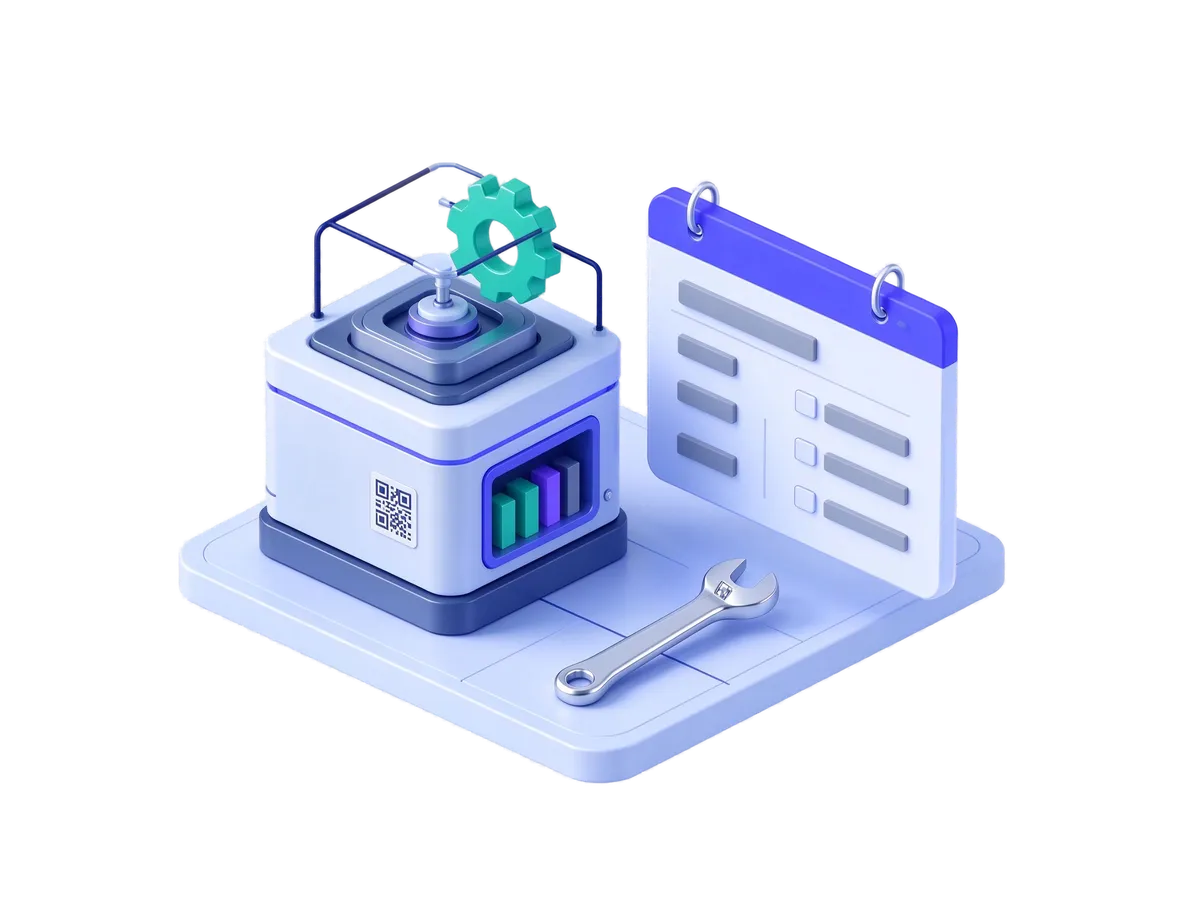
FlexApp Asset & Maintenance is an asset and maintenance management app that follows each asset from registration through planned maintenance, repairs and depreciation to disposal.

Works on its own — connects to the rest of FlexApp when you want it to.

Who it is for

Facilities, engineering and maintenance heads, and the finance teams who account for fixed assets.

The problem it solves

Asset lists are scattered, planned maintenance is missed until something breaks, and depreciation is worked out in spreadsheets outside the system.

What you get

01

Fewer unexpected breakdowns

Planned maintenance is triggered by date, by usage or both.

02

The full story of every asset

Who has it, where it is, what work was done and what it cost.

03

Asset values correct in the books

Depreciation is calculated and posted to your accounts.

04

Obligations met

Calibration, warranty and inspection dates are tracked.

How teams use it

Facilities manager · property management company

Planned maintenance that happens

Servicing of lifts, pumps and air-conditioning plant was tracked on a wall chart and sometimes missed. Planned maintenance now creates work orders on schedule, and the manager can see what is overdue.

Engineering team · hospital group

Calibration dates under control

Calibration and warranty dates for equipment were kept in separate lists. They are now tracked against each asset, with its full repair and cost history.

Financial controller · manufacturer

Depreciation without the spreadsheet

Depreciation was calculated in a spreadsheet and keyed into the accounts. FlexApp now runs depreciation for each asset and posts it to the accounts.

Key features

Works on its own — connects to the rest of FlexApp when you want it to.

  • An asset register with assets grouped into parts, a tree of sites and locations, and QR labels
  • Planned maintenance by date, by meter reading or both, and regular inspection rounds
  • Work orders with priorities, response targets, checklists, safety permits, labour and parts
  • Depreciation by the usual accounting methods, posted to your accounts
  • Calibration, warranties, physical asset checks and maintenance budgets
  • Reports on how often equipment fails, how quickly it is repaired and whether planned maintenance is done on time

Frequently asked questions

Do we need other FlexApp apps to use it?

No. It works on its own; links to stock, help desk and HR are optional.

Can technicians use it on their phones?

Yes. They scan QR labels, update work orders and attach photos from the mobile app.

Which depreciation methods are supported?

Straight-line, reducing-balance, units-of-production and sum-of-years, and the results are posted to your accounts.

See FlexApp running your process

Tell us about one process you want to fix. We will show it working in FlexApp in a 45-minute demo.